01
Spin the dial
Set hours and minutes on one set of concentric arcs. Prefer a plain list? Turn on the simple picker in Settings.
 Nocko
Nocko Nocko: Alarm Clock
An alarm clock built around one arc
Spin the dial to set the time, pick your repeat days and a sound, and let Nocko wake you when it matters.
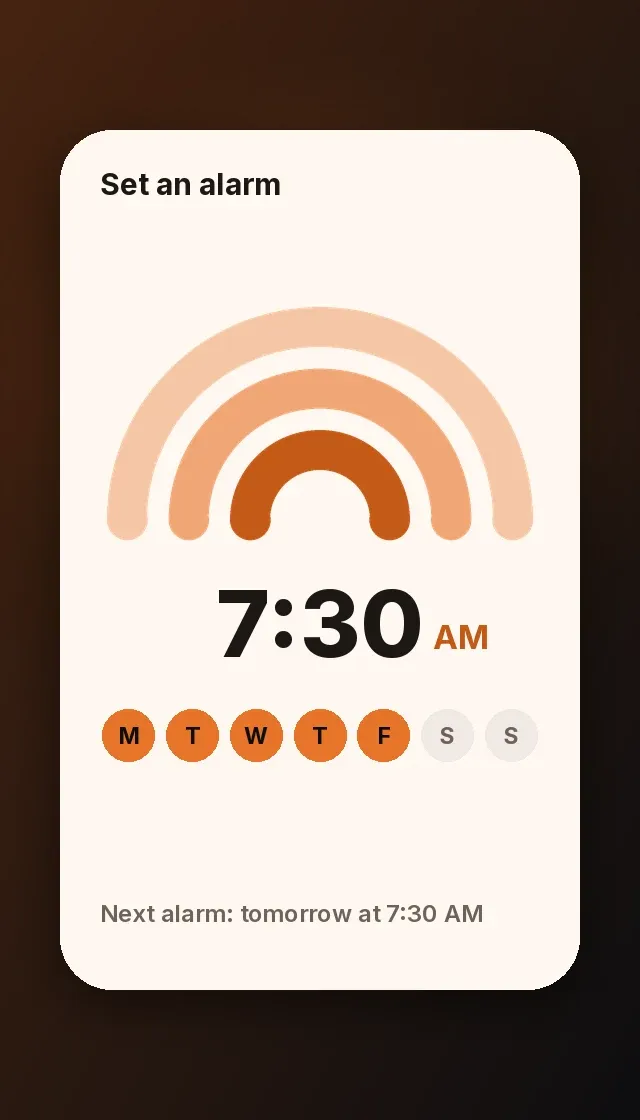
01
Set hours and minutes on one set of concentric arcs. Prefer a plain list? Turn on the simple picker in Settings.
02
Your alarms live in one list with a “Next alarm” line on top. Repeat on the days you choose, or just once, and add a label.
03
Choose from eight built-in tones, preview them, set the volume and add an optional 20-second fade-in.
04
Create an alarm in one tap from the Templates tab: Weekdays, Weekends, Every day, or a 20-minute nap.
05
A full-screen ringing screen lets you snooze or press and hold for about a second to stop. Snooze lasts 5, 10 or 15 minutes.
06
Switch between Light, Dark or System, choose a color palette, and use Nocko in 31 languages including right-to-left Arabic and Hebrew.
Nocko schedules alarms with the operating system so it can wake you when the phone is locked. During setup it asks for alarm permission, and on Android it also uses the exact alarm permission. If you decline, you can turn it on later in your phone settings.
On the ringing screen, tap Snooze or press and hold the Stop button for about a second. You can set the snooze length to 5, 10 or 15 minutes in Settings.
Yes. Turn on Simple picker in Settings to use a list picker instead of the dial.
Nocko+ is an optional upgrade that unlocks additional color palettes and alarm sounds. Without it you can still use Nocko with two palettes (Ember and Forest) and three sounds (Ember, Glass and Harbor). Use Restore purchases in Settings if you already upgraded.
Nocko is available in 31 languages, including right-to-left Arabic and Hebrew. It follows your device language by default, and you can pick another one in Settings.
No. Nocko has no sign-in. Your alarms and settings are stored on your device.
Nocko is coming to iPhone and Android. Store links will appear on this page at launch.
Nocko is coming to iPhone and Android. Store links go live at launch.